How I Recorded The First Brainstorm
A look at the always-on MIDI recording workflow I used to capture piano ideas before they disappeared.
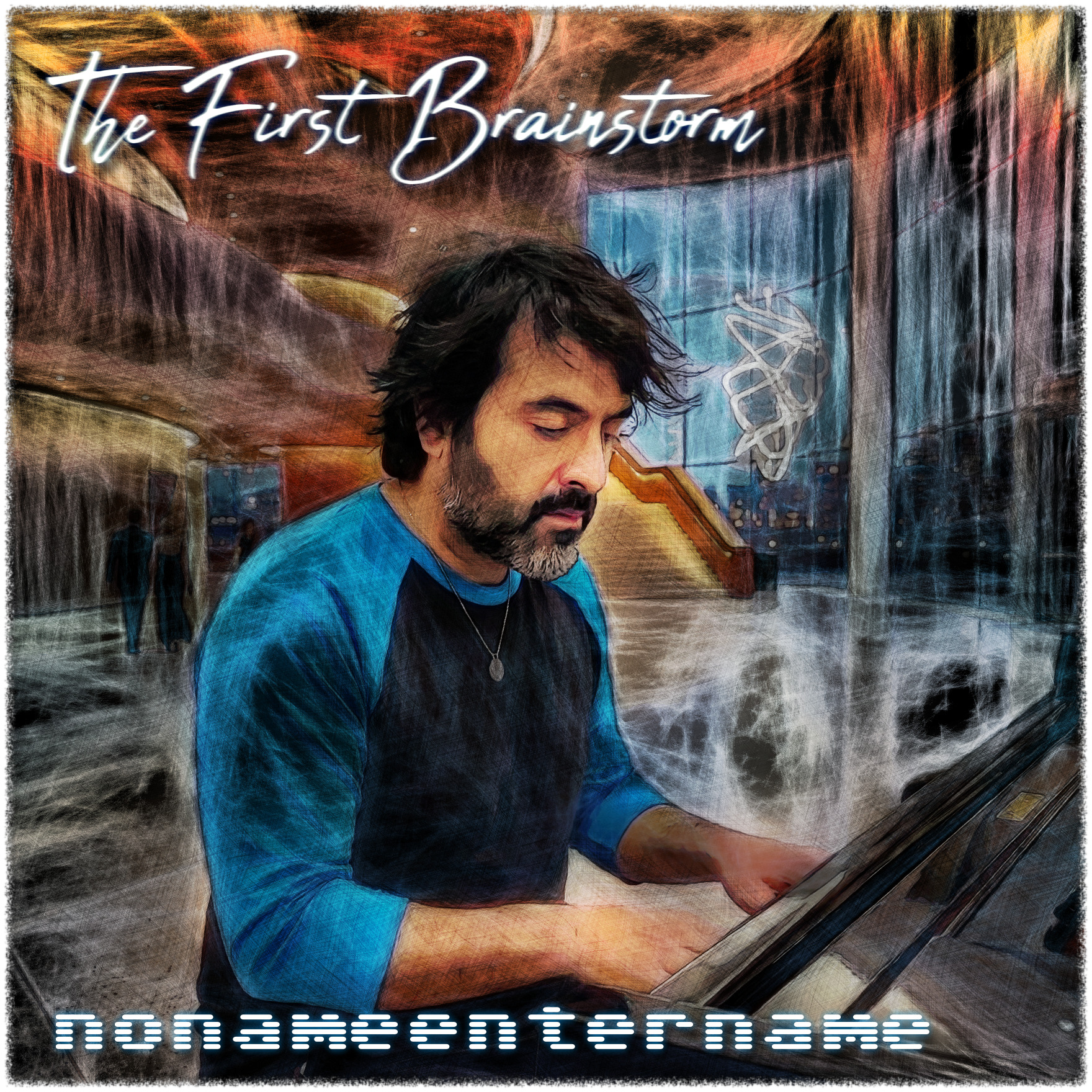
I recently released my first collection of music, and one of the things I wanted to share was the workflow I used to record it.
A big part of the process was something surprisingly simple: my MIDI keyboard is always recording.
Normally, recording music involves opening a DAW, creating a track, pressing record, waiting for the count-in, and then trying to reproduce whatever idea you had.
I wanted almost the opposite.
I wanted to be able to sit at the piano, start playing, and forget that I was recording at all.
Brainstorm
For this I use a small command-line program called Brainstorm, which is part of Div’s MIDI Utilities.
Brainstorm listens to incoming MIDI and automatically captures what I play. That means I don’t have to decide that I’m about to record something.
I can just play.
If something interesting happens, the performance already exists as MIDI and I can go back to it later.
On Linux, I built Brainstorm from source:
git clone https://github.com/dgslomin/divs-midi-utilities.git
cd divs-midi-utilities

mkdir bin
cd src
make -f Makefile.unix
cd ..
cp bin/brainstorm ~/.local/bin
Running Brainstorm
Running it is very simple. Brainstorm writes its recordings to the directory it is started from, so I start it inside the folder where I want to keep my musical ideas.
I use tmux and start Brainstorm in its own window:
tmux new-window -t piano -n brainstorm -c $HOME/music/brainstormFrom there, I run:
brainstormThis gives me a Brainstorm process that can stay running in the background as part of my normal piano setup.
Connecting Everything with JACK
The other important part of the setup is JACK.
I connect the MIDI output from my keyboard to Brainstorm through JACK and configure things so Brainstorm is always running and listening.
I also use LinuxSampler as the instrument I actually hear while playing. My keyboard’s MIDI is routed to both LinuxSampler and Brainstorm: LinuxSampler generates the piano sound, while Brainstorm quietly records the MIDI performance in the background.
LinuxSampler is a useful part of my setup, and I may cover how I have it configured in more detail later, but it isn’t really the focus of this post.
The important part here is that the whole setup is ready before I start playing.
The result is a workflow where I can walk over to the keyboard and immediately start making music.
There’s no:
“I should record this.”
The recording has already started.
I think that small difference changes the way I play.
Instead of trying to perform something correctly because the red recording light is on, I can improvise freely and decide afterward whether anything was worth keeping.
From Brainstorm to a Release
Eventually, some of those improvisations became the pieces I released.
That makes the name The First Brainstorm especially appropriate. The music wasn’t created by sitting down with the goal of producing an album. It grew out of capturing ideas while I was experimenting and playing.
For me, that’s probably the most interesting part of building creative tools and workflows: removing the little barriers between having an idea and actually capturing it.
Sometimes the best recording interface is one you don’t have to think about at all.